
Who Is Mary Lou? The Jazz Pianist Behind WordPress 7.1

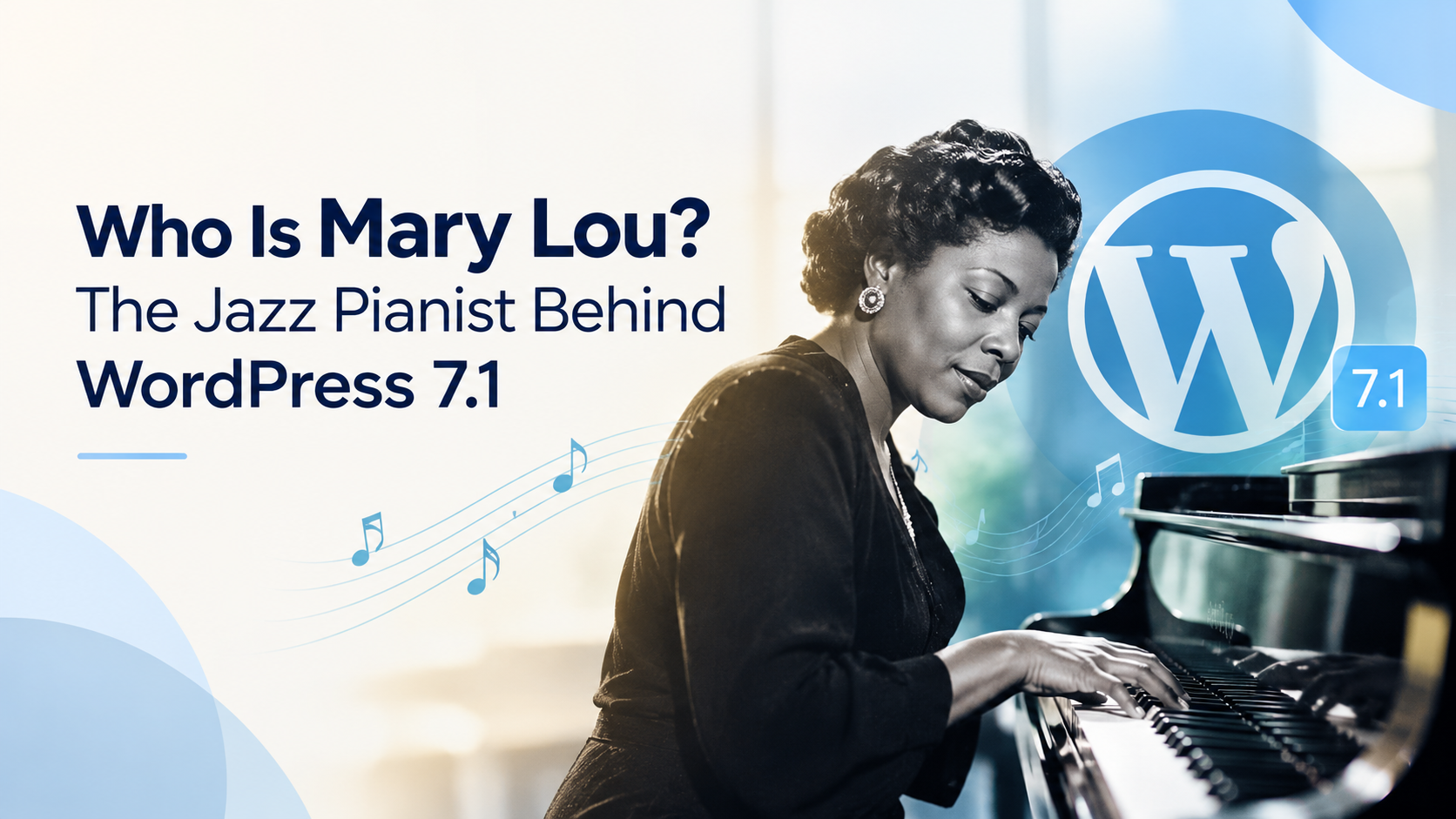
The code name for WordPress 7.1 is Mary Lou, named after Mary Lou Williams who was a jazz pianist, arranger, and composer. WordPress 7.1 has been released on August 19, 2026. Each and every version of the platform is named after a musician, which is why the current version has been named so. But does it mean something to your website? Let us discuss that.
Who was Mary Lou Williams?
The voice of Mary Lou Williams is regarded as one of the most significant voices in the history of jazz. She was a musical prodigy who began performing at the age of six. She wrote and arranged music for the big band formations later on in her career. Also, she served as a mentor to young artists like Thelonious Monk and Dizzy Gillespie.
The speciality of Mary Lou was that she changed her styles very often. She was known for her swing style but then she moved to the bebop style and further to sacred jazz.
Why did WordPress name version 7.1 after her?
WordPress chooses a musical artist for each new version of WordPress. WordPress version 7.0 was known as Armstrong. However, version 7.1 was inspired by Mary Lou Williams, and there were two main reasons behind it. Those two reasons are “reinvention” and “collaboration.”
These two ideas suit the new version perfectly since reinvention can be seen from the way the website is designed – you get more freedom to do things without coding, and collaboration is seen in how the teams work together to create content.
What is new in WordPress 7.1?
WordPress 7.1 in summary makes the process of design, editing, and collaboration more seamless without the need of additional plugins. Some of the key updates include:
- Responsive styling: ability to style blocks for mobile, tablet, and desktop without the need for custom CSS.
- States: ability to make buttons and links respond to visitors without any code.
- A new media editor: ability to crop, rotate, and edit images in one place.
- Improved Notes: ability to add notes at any place in content, ability to mention other users, rich text support, suggestion mode and emoji reactions.
- New blocks: Tabs and Playlist blocks become built-in in WordPress.
These features aside, there is also improved image processing that works partially on the browser side and WordPress supports newer image formats such as AVIF and HEIC. Furthermore, over 800 people contributed to the development of this release.
Is WordPress 7.1 safe to update right now?
Yes, but do it first to be sure. After all, a large release impacts many features simultaneously, which makes it possible for even a slight incompatibility to appear on your live site. This is why it is always recommended to have a backup and a staging site before an update.
There are two aspects worth mentioning. Firstly, jQuery UI will move to the version 1.14.2 and it will probably cause problems with older plugins that had their own admin screens. Secondly, there was an incompatibility issue between WordPress and the WP Rocket plugin (caching).
Also, many site owners update plugins at the same time as WordPress core. If that is you, follow a simple checklist of what to do after installing or updating a plugin. It covers the maintenance tasks worth doing after any plugin change, and that habit will save you from most surprises.
Can a new WordPress version break your website?
Of course, but it doesn’t happen very frequently. Most of the problems occur because some outdated plugins or themes don’t fit into new core files. As a consequence, there might be some layout issues, page speed issues, or non-working contact forms that stop sending e-mails.
However, all these problems can be solved quite easily if they are detected right away. Unfortunately, the majority of the owners become aware of such problems much later.
Do you need a maintenance provider for big WordPress updates?
Not everyone does. If you have a small personal blog and enough time, you can handle updates yourself. On the other hand, if your website brings in customers or sales, a few hours of downtime can cost real money.
This is where 24×7 WordPress maintenance helps. Someone watches your site day and night, tests updates before they go live, and fixes problems quickly. If you do not have the time or the technical skills, you can hire WordPress experts who do this work every day, so you can focus on your business.
When you look for a reliable WordPress maintenance service provider, keep these points in mind:
- They take a full backup before every update.
- They test updates on a staging site first.
- They give clear response times when something breaks.
- They watch for security issues, not only updates.
- They send simple reports you can actually understand.
One option to consider is WPCaps. The team offers WordPress support and ongoing maintenance, so a release like 7.1 does not turn into a stressful weekend project. If you are unsure whether you need a one-time fix or a monthly plan, their guide on one-time WordPress support vs ongoing maintenance can help you decide.
What should you do next?
First, create a complete backup of your website. Second, install WordPress 7.1 on a staging site and review important pages, forms, and plugins. Third, upgrade your live website at a less busy time. Finally, perform an inspection of your website the following day, since some problems will appear only after traffic.
In conclusion, Mary Lou is WordPress 7.1, named after a famous jazz pianist, Mary Lou Williams. It is a great upgrade, which features responsive styling, collaboration capabilities, and a new media editor. It is very safe for the vast majority of websites, provided that testing is performed prior to updating or that the process is done by your web development company.