
WordPress 7.0 “Armstrong” Guide: Everything You Need to Know

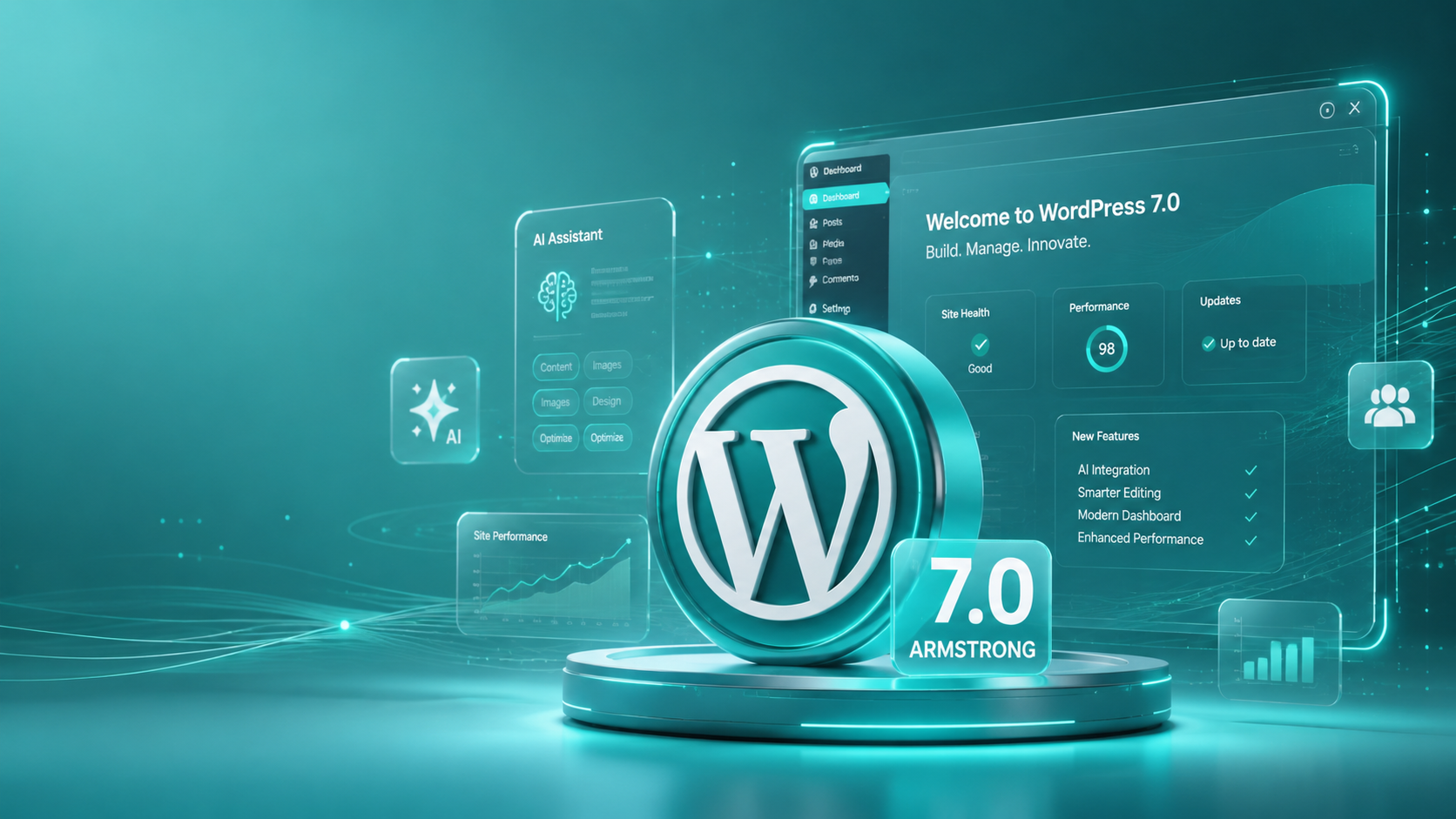
First and foremost, it should be mentioned that the WordPress world is now entering an incredible new stage after the release of WordPress 7.0. This important upgrade has been officially named “Armstrong,” taking its name from the legendary jazz master, Louis Armstrong. For quite some time now, smaller updates have been dedicated solely to improving performance and making minor adjustments. But now there is a completely new and revolutionary change to the look and feel of your site dashboard.
As a result, whether you’re one person blogging or managing a large-scale business, it’s time for some significant changes to take place. As far as the core of the software goes, the plain old text editor has now transformed into a super-smart and highly modern system which allows building pages very quickly. Besides, everything in the backend of the application has become even cleaner and faster to use than before.
Why did the team decide to postpone the launch of WordPress 7.0?
The reason for the unexpected postponement of this huge update to the end of May 2026 is that the core development team wanted to ensure maximum security of your live website in case of any possible problems that may arise from the update. In the past, some major updates sometimes caused certain problems with old themes. Therefore, the developers decided to postpone a little while to be more confident in the stability of the whole system.
Thanks to this decision, the current version of the software is extremely stable. The team decided to put aside some of the co-editing functionality until the database code is fixed and ready. Thanks to this step, you are sure about the stability of your system after an update.
What is it that makes the integrated AI work in the dashboard?
The one that has been making the most noise in this new update is the implementation of the smart technology itself. Unlike previous versions that required the use of multiple plugins for tasks related to writing or image creation, the core software now uses a dedicated native AI client known as WP AI Client. The only thing you need to do is enter your API key into your settings for secure use.
Just to let you understand how things are going to change for you, here are the basic features of the AI system:
- Centralized Connectors: You can connect all your smart engines such as OpenAI or Anthropic at one centralized dashboard location without having to store codes at various locations.
- The Abilities API: This new tool helps safe helper tools to understand what functionalities your theme supports and execute layouts for you securely.
- Consistency of Code: All plugin developers will now be able to work much more quickly because they will follow the exact same guidelines.
In the end, it means that your website will not get clogged up with unnecessary and unvetted software programs, and it is a safe way for you to access modern technologies without affecting your server speeds.
What are some visual changes that you would appreciate in the admin interface?
Once you log in to the new version of your administrative area, you’ll instantly feel overwhelmed by how beautiful the new design concept looks. Yes, the developers have decided to launch an official theme, the new “Modern” one, instead of our familiar slate theme that has been serving us for ages. In particular, we can highlight the new bright blue color used for the primary design that highlights the buttons perfectly. On top of that, the lettering and spacing have been improved immensely, reducing your chances of having eye-strain problems significantly.
Moreover, you’ll find it faster to navigate the admin panel due to these improvements:
- Global Command Palette: With just one tap of Ctrl+K or ⌘K on the keyboard, you’ll be able to activate a quick search box from anywhere in the program and access any setting you wish.
- Advanced DataViews: Sorting and managing your list of pages, posts, and uploaded images/files has become much more efficient.
- Control Layouts: Finally, all those panels in the left-hand side look clean and neat so that you’ll waste much less time finding the needed settings.
What makes it easier for editing staff?
Editing staff will now have an easier time working on the contents. For example, the latest update comes with the amazing feature called Visual Revision History. Previously, when you needed to view history of the content, you had to look at confusing red and green coding. However, now you have got an opportunity to see the visual changes of the layout block-by-block thanks to the timeline slider. It is even possible to understand from whom a certain picture or content block was added because of colorful icons.
Apart from the above-discussed feature, now you will not have any trouble adjusting the way your website appears on mobile devices. With native Viewport-Based Responsive Controls in the sidebar, it has never been easier to choose a certain element and hide it on smartphones, while display on desktops. As a result, you will save yourself lots of efforts in writing difficult CSS and purchasing unnecessary layouts plugins.
And here’s how to top it off, the platform includes a few additional blocks that replace some of the older single-purpose plugins:
- Native Breadcrumbs Block: It’s now possible for you to provide your users with easy-to-understand navigation routes without using sophisticated SEO techniques.
- Icons Block Library: It’s now easier than ever for you to include stylish icons in your articles.
- Native Lightbox Compatibility: Your standard images can now transform into full-page slideshows with just one click!
What technical updates should developers be aware of?
When we dig a little deeper, you will find that there are some definite technical updates that will require some action from developer teams. First of all, this new release has bumped the requirement for PHP to be at least 7.4 version, with a preference being expressed to use PHP 8.2 version or any other version that is even higher than this. In case your web host is not updated, this update might completely ruin your website.
Luckily, the developers also get something useful in terms of this update – they will finally get a chance to use pure PHP Block Registration. Previously, developing custom blocks required using various JavaScript solutions. Now, this can be achieved easily with the help of good old server-side programming languages.
How can you update your website to version 7.0?
Given the numerous changes brought about by this latest version, you should not ever hit that update button while still working in your production site. Such actions may result in immediate conflicts with your current plugins or themes. You need to do some tests within a staging environment to see and sort out the issues that may come up.
That is why most businesspeople prefer delegating the work to professional hands. In order for your website to remain working as usual without experiencing any problems at all, you need to go with Wpcaps. The professional wordpress maintenance and support experts offer their worldwide services 24/7 and will make sure your site runs flawlessly at all times.
Conclusion Checklist: Is your website ready for the upgrade?
In conclusion, there’s nothing quite like being prepared for the many advantages that this amazing upgrade has to offer. To ensure that you make the most out of this process, be sure to tick off all these important points:
- Check whether your current web hosting package supports at least PHP 7.4.
- Back up all your data and content before making any changes.
- Develop your very own private staging site and test out your theme.
- Call in the experts to optimize everything for you.
By following this checklist, you can maximize the awesome potential of Armstrong and take your website to a whole new level!